

Short answer
No. An iPhone has no way to measure blood pressure: Apple's own Health app asks you to take readings with a blood pressure cuff and log them. Apple Watch can send hypertension notifications based on heart data, but it doesn't show a blood pressure number, and after a notification it prompts you to measure with a cuff for 7 days.
What the iPhone can and can't do
No iPhone has a blood pressure sensor. What it can do is keep your readings. Apple's support page for logging blood pressure lists two requirements: an iPhone 11 or later with the latest iOS, and a blood pressure cuff. Apple recommends an automatic cuff that fits around your upper arm.
So the question to ask isn't which iPhone measures blood pressure, but where you keep the numbers your cuff gives you and what you do with them.
What Apple Watch hypertension notifications do
Apple Watch can analyse your heart data and notify you if it sees signs of possible hypertension. Apple's user guide is specific about the limits:
- It doesn't give you a blood pressure reading.
- It isn't meant for people already diagnosed with hypertension, people under 22, or during pregnancy.
- It can't identify all cases of hypertension, and it isn't available in all countries or regions.
- It isn't a medical device and doesn't replace your doctor.
After a notification, the watch suggests talking to your doctor and prompts you to measure with a blood pressure cuff over 7 days, with morning and evening reminders. In other words, even Apple's own feature ends at a cuff.
About camera and cuffless blood pressure apps
Some App Store apps claim to read blood pressure from a fingertip on the camera or from a watch alone. The 2025 AHA/ACC guideline advises against relying on cuffless devices such as smartwatches until they're shown to be accurate.
The risk isn't only a wrong number. A reassuring estimate can delay a real reading at the point it matters. If an app gives you a blood pressure number without a cuff, treat it as unverified and check with a validated monitor. Our guide to home blood pressure monitors covers how to find one on a validated device list.
How to log blood pressure on your iPhone
To add a reading by hand in Apple's Health app:
- Open the Health app, tap Browse, then Heart.
- Tap Blood Pressure, then Add a Measurement.
- Enter the date, time, systolic and diastolic, then tap Add.
Health also has a Blood Pressure Log with two set routines. Learn About My Risk for Hypertension collects 7 days of morning and evening readings and builds a report for your doctor. Monitor My Hypertension asks for one reading a day for 4 weeks. You can export a finished log as a PDF, and our guide on how to export blood pressure data from Apple Health covers the other options.
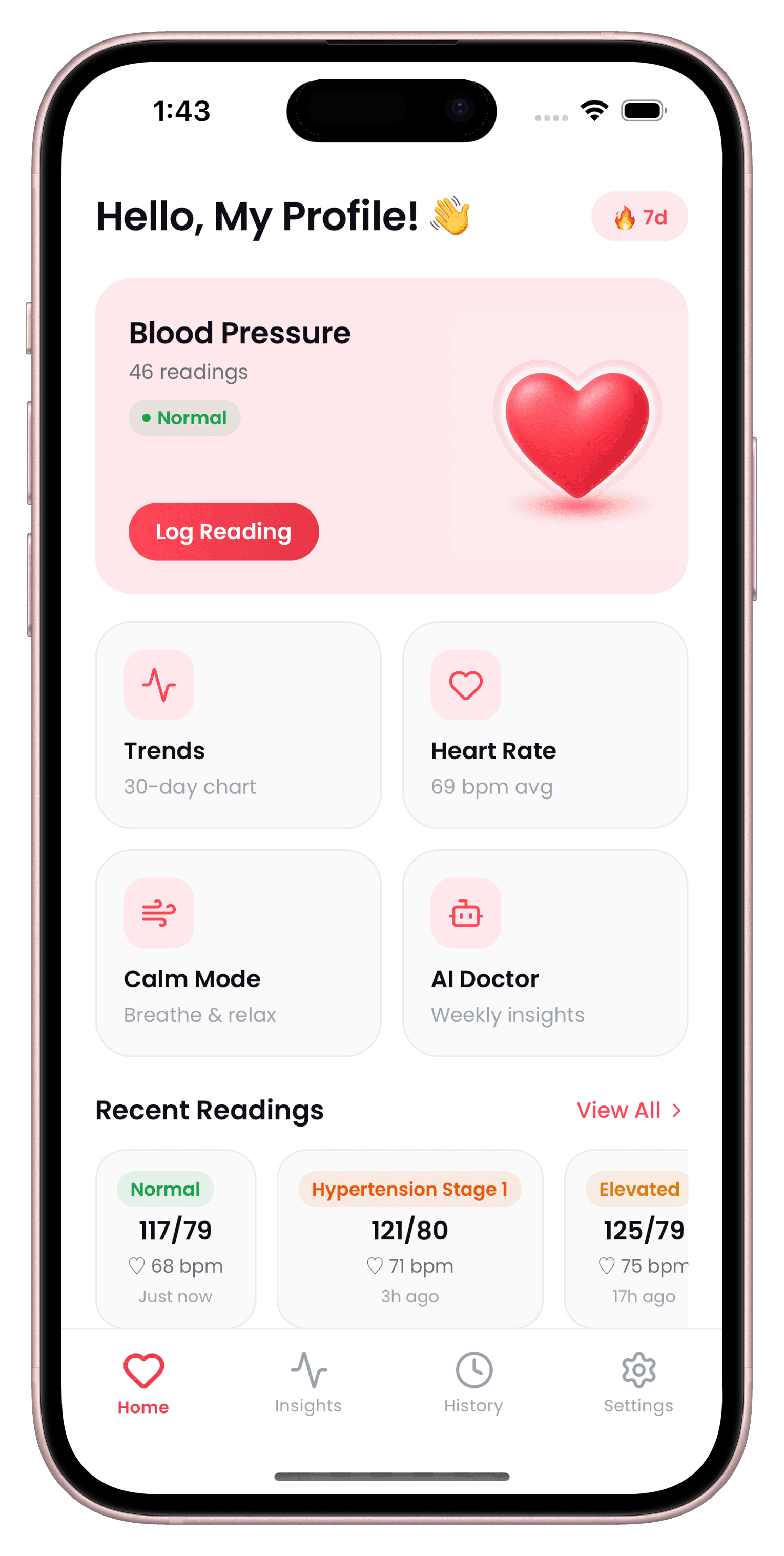
Many monitor makers' apps also save readings to Health, and so do logging apps. CardiLog writes your blood pressure and heart rate to Apple Health and can import blood pressure readings from it, so readings from a monitor's own app can end up in one place.
The Health app or a dedicated blood pressure app?
The Health app is built in, free to use, and its 7-day log follows the same morning-and-evening pattern guidelines use for home monitoring. For many people that's enough.
A dedicated app makes sense if you want more than a log. CardiLog, for example, lets you photo-scan your monitor's display instead of typing, tag readings with context like Caffeine or Poor Sleep, flags patterns such as a morning surge or a white coat effect, and charts readings over 7, 30 and 90 days. It needs a subscription for full use, so try the Health app first if a plain log is all you need.
Whichever you pick, the numbers only mean something if they're taken the same way each time. See how to take an accurate measurement at home, and use the home blood pressure average calculator to turn a week of readings into one average.
Sources
- Apple Support: Log your blood pressure in the Health app
- Apple Support: Receive hypertension notifications on Apple Watch
- American Heart Association: Top Things to Know, 2025 High Blood Pressure Guideline
- STRIDE BP: Validated blood pressure monitors
This guide is general information, not medical advice. CardiLog is not a medical device. Talk to your doctor about your own readings.