
Blood Pressure Logging
CardiLog is built around one simple screen: enter your systolic, diastolic, and pulse numbers from any monitor, and see your stage classified instantly — no Bluetooth pairing, no setup, no dedicated hardware required.

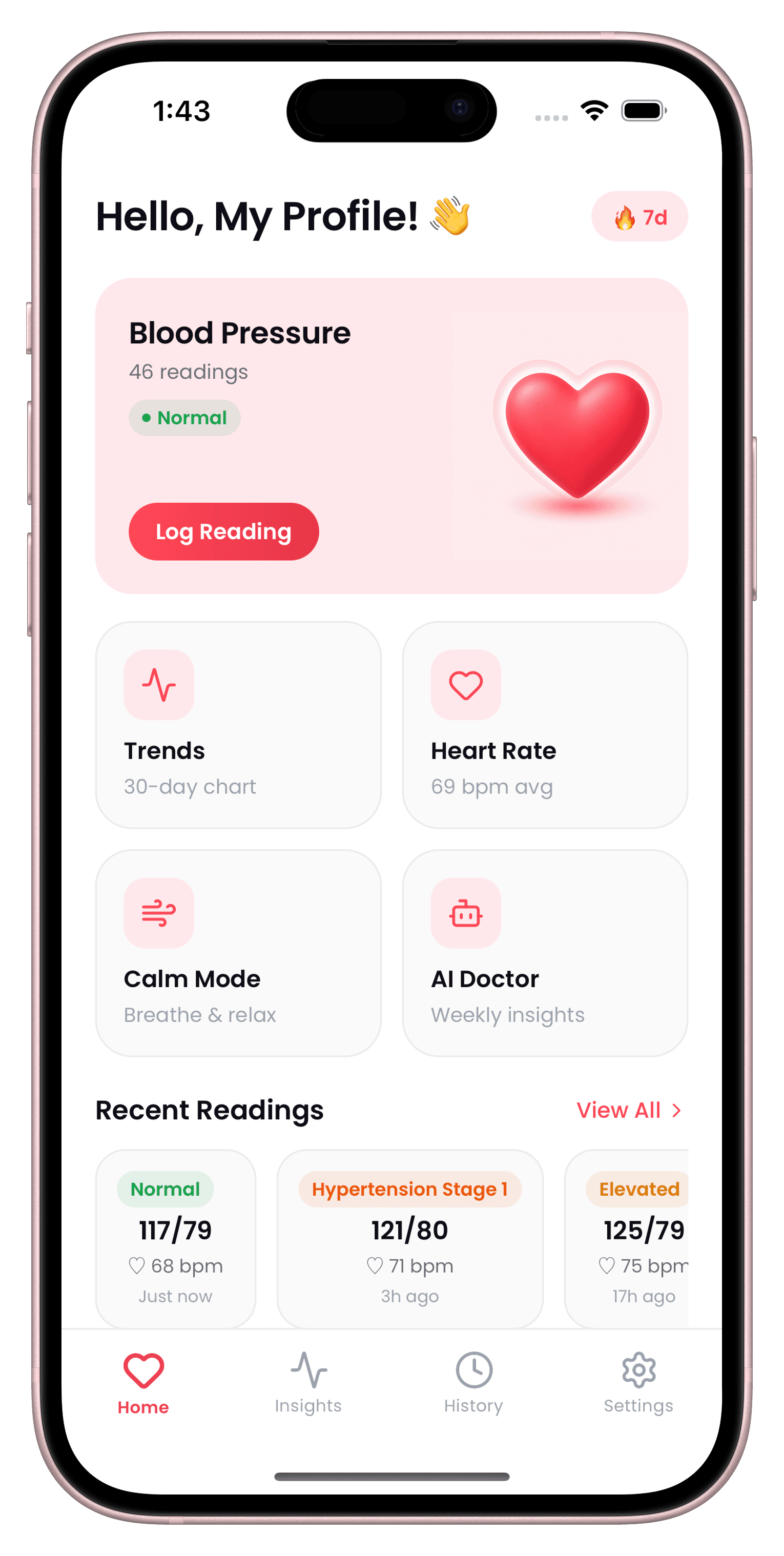
What Logging gives you
Log a reading in seconds
Type in systolic, diastolic, and pulse and CardiLog handles the rest — stage classification, history, and trend updates happen automatically.
Works with any monitor
Omron, Kardia, Withings, iHealth, A&D, or a plain manual cuff — if it shows a number, you can log it.
Mean Arterial Pressure & Pulse Pressure
Every reading automatically calculates MAP and Pulse Pressure alongside the raw numbers, for extra clinical context.
Context tags
Tag a reading with exercise, meals, medication, stress, sleep, or caffeine to see what's actually moving your numbers over time.
How Logging works
- 1
Take a reading
Use any blood pressure monitor — Omron, Kardia, Withings, iHealth, A&D, or a manual cuff — and read the systolic, diastolic, and pulse numbers off its display.
- 2
Open CardiLog and tap Log
From the home screen, tap the log button to open the entry screen.
- 3
Enter your numbers
Type in systolic, diastolic, and pulse. Optionally tag the reading with location, exercise, meals, medication, stress, sleep, or caffeine.
- 4
See your stage instantly
CardiLog classifies the reading against your selected guideline and calculates Mean Arterial Pressure and Pulse Pressure automatically.
Blood Pressure Logging — FAQ
Do I need a Bluetooth blood pressure monitor?
No. CardiLog is built for manual entry — read the numbers off any monitor's display and log them in seconds, no pairing required.
Can I log where a reading was taken?
Yes. You can label a reading's location — Home, Clinic, Pharmacy, or Travel — useful for comparing home readings against clinic readings.
Start tracking today.
Your doctor checks your BP twice a year. CardiLog watches it every day.
Free to start · No account required