

Short answer
A useful blood pressure log records the date, time, systolic, diastolic and pulse for each reading, plus a short note on anything unusual. Aim for 2 readings at a time, morning and evening, on a schedule your doctor agrees with. Paper works if you keep it up; an app can work out the averages for you and export a PDF report.
Download a free printable blood pressure log (PDF)
Our printable log is two pages on US Letter paper. Download the free blood pressure log (PDF). No sign-up or email needed.
- Page 1: a weekly sheet with morning and evening boxes for 2 readings each, the home-monitoring pattern NICE describes, plus a short how-to and the AHA/ACC ranges
- Page 2: a 30-row log with date, time, systolic, diastolic, pulse and notes columns
- Space for your name, the target your doctor gave you, and which monitor and arm you use
Prefer a spreadsheet? Download the blood pressure log template for Excel (.xlsx). It works out your average as you type, including the NICE average that leaves out day 1. Print a few copies of the PDF, keep them next to your monitor, and bring the filled-in sheets to your appointment. A Spanish version on A4 paper is also available.
What to write down for each reading
Whatever format you use, each entry should have the same columns so the log is easy to scan:
- Date and time
- Systolic (top number) and diastolic (bottom number)
- Pulse (heart rate)
- Which arm, if you ever switch
- Notes: medication taken or missed, caffeine, poor sleep, stress, exercise, or a reading taken at a pharmacy or clinic
The notes column is the one people skip, and it's often the most useful. A 152/94 on its own looks worrying. With "slept 4 hours, two coffees" next to it, your doctor has a likely explanation.
How often to record readings
For everyday monitoring, the CDC suggests measuring at the same time each day and recording every result. Your doctor may give you a specific schedule, and that comes first.
If home readings are being used to confirm a diagnosis, NICE asks for 2 readings at least 1 minute apart, morning and evening, for at least 4 days and ideally 7. The first day is ignored and the rest are averaged. A log that follows that pattern gives your doctor exactly what they need, and our home blood pressure average calculator does the averaging.
Record every reading, including the high ones and the ones that look wrong. A log with only the good numbers is worse than no log, because it gives a false picture. Our guide to taking accurate readings helps cut down on the readings that really are wrong.
Printable paper logs: the pros and cons
The CDC links a free printable log from its measuring page, and many monitors come with a paper record card. Paper has real advantages:
- No phone, app or account needed
- Easy for someone who isn't comfortable with technology
- You can hand it straight to a nurse or doctor
The downsides show up within weeks. You have to work out averages by hand, handwriting gets hard to read, and loose sheets get lost. It's also hard to see a trend in a long column of numbers. If you're keeping a log for a parent, our page on tracking blood pressure for a parent has practical tips.
What to look for in a digital log
- Quick entry, so you log each reading
- Automatic averages over a week or a month
- Charts that show the trend at a glance
- Notes or tags for context
- An export your doctor can open without installing anything (PDF), plus raw data (CSV) if you want it
You don't need a Bluetooth monitor to keep a good digital log. Typing two numbers takes seconds, and some apps can read the display for you. See tracking without a Bluetooth monitor for options.
Getting readings into CardiLog
CardiLog doesn't connect to monitors by Bluetooth. There are three ways to add a reading:
- Type it in: systolic, diastolic and pulse, with an optional note.
- Photo scan: point your phone's camera at the monitor's display and on-device text recognition fills in the numbers for you to check.
- Apple Health import: if your monitor's own app saves readings to Apple Health, CardiLog can import them from there. See how to export blood pressure data from Apple Health for the built-in options.
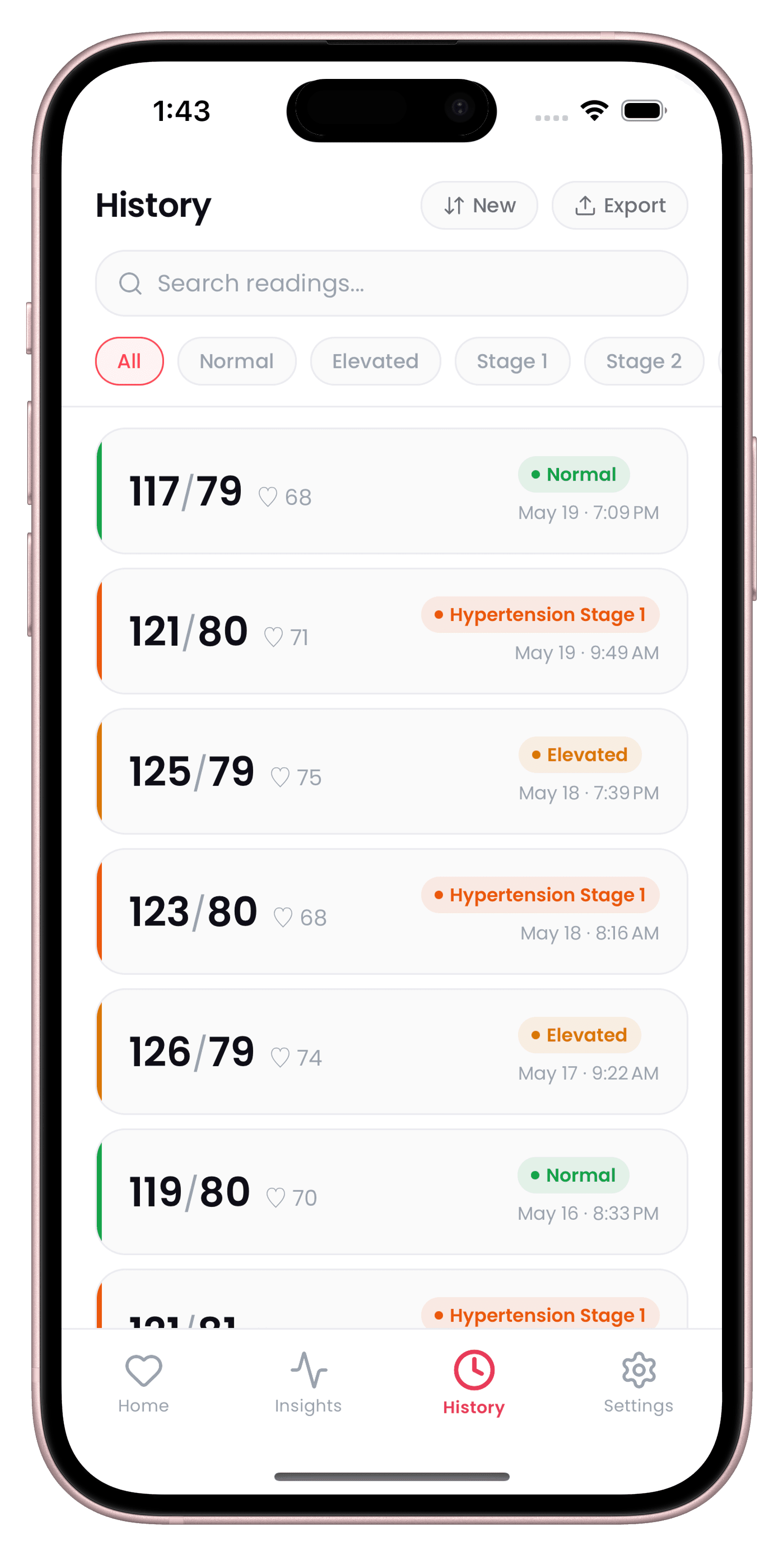
Each reading can carry context tags (After Exercise, After Meal, Stressed, Relaxed, Medication Taken, Poor Sleep, Caffeine, Alcohol) and a location tag (Home, Clinic, Pharmacy, Travel). There's no account. Readings are stored on your device.
What's in CardiLog's PDF report
Instead of a blank grid to fill in, CardiLog builds a PDF report from the readings you've logged. It includes your readings, averages, mean arterial pressure, pulse pressure and the stage of each reading using the AHA 2017 categories. You can print it, email it or bring it up on your phone at an appointment. The doctor reports page shows what it looks like.
You can also export everything as a CSV file to open in a spreadsheet, and save an encrypted backup file to restore your history later.
The report is a summary of what you entered. It isn't a medical record or a diagnosis, and your doctor will decide how to use it.
Bringing your log to an appointment
- Bring at least a week of readings taken the same way each day.
- Mark anything unusual so you don't have to remember it in the room.
- Take your monitor along so it can be checked against the clinic's reading.
- Write down your questions next to the log.
For more on making a short appointment count, see preparing for a doctor's appointment.
Sources
- CDC: Measuring Your Blood Pressure
- NICE NG136: Hypertension in adults, recommendations
- NHS: High blood pressure, diagnosis
This guide is general information, not medical advice. CardiLog is not a medical device. Talk to your doctor about your own readings.