
Preparing for a Doctor's Appointment
"How has it been at home?" is a hard question to answer from memory. CardiLog turns weeks of readings into a report you can hand over — or search through — in the waiting room.

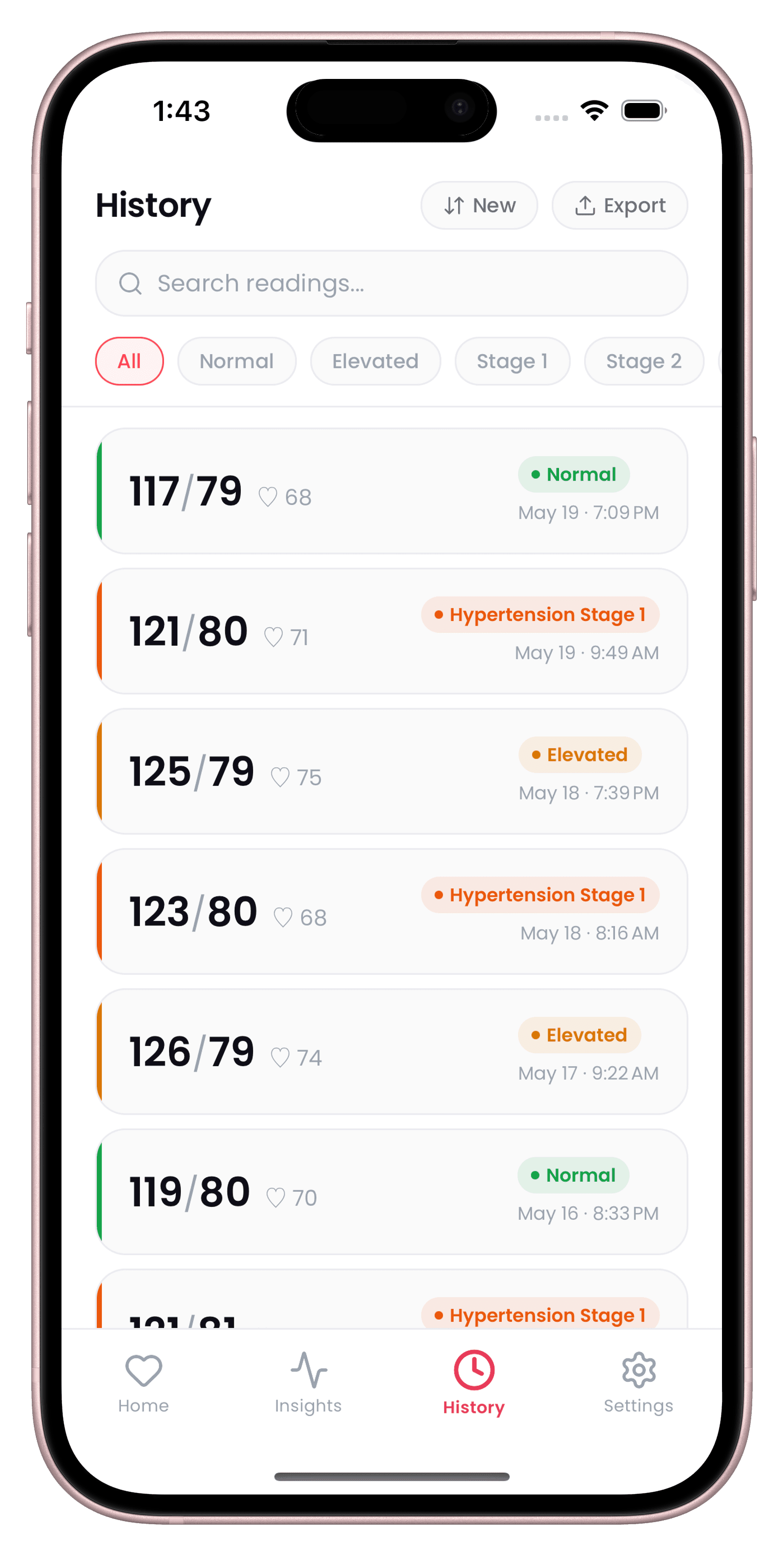
How CardiLog helps
Search and filter before you walk in
Pull up readings by stage or date so you can answer specific questions about a rough week or a particular spike.
A clinical-style PDF, generated in seconds
Full history, averages, trend analysis, MAP, and Pulse Pressure — formatted and ready to hand over or send ahead of the visit.
Context your doctor won't get from a single reading
Tags for exercise, medication, stress, sleep, and caffeine help explain any unusual numbers in the report.
The right guideline, already applied
Set your guideline to match your doctor's (AHA, ESC, JNC8, WHO, or NICE) so your staging lines up with their notes.
Preparing for a Doctor's Appointment — FAQ
Can I export or share my readings with my doctor?
Yes. CardiLog can generate a clinical-style PDF report with your full history, averages, and trend analysis, or export your raw data as a CSV — shared by email, AirDrop, or Messages.
Can I bring up just the readings from a specific week?
Yes. History supports search and filtering by stage or date, so you can find exactly the readings you want to discuss.
Start tracking today.
Your doctor checks your BP twice a year. CardiLog watches it every day.
Free to start · No account required